How it works
Prerequisites for using GARRbox
The GARRbox personal synchronisation and sharing service is based on the IDEM identity federation. To use the service it is necessary that your organisation is part of the Federation.
On this page you can verify whether your organisation has joined IDEM.
GARRbox also requires your organisation to subscribe to a specific agreement. For more details consult the FAQ section.
IDEM access
To log in click on the Login item on the homepage.
Click on Login with IDEM: here you can select your organisation and log in.
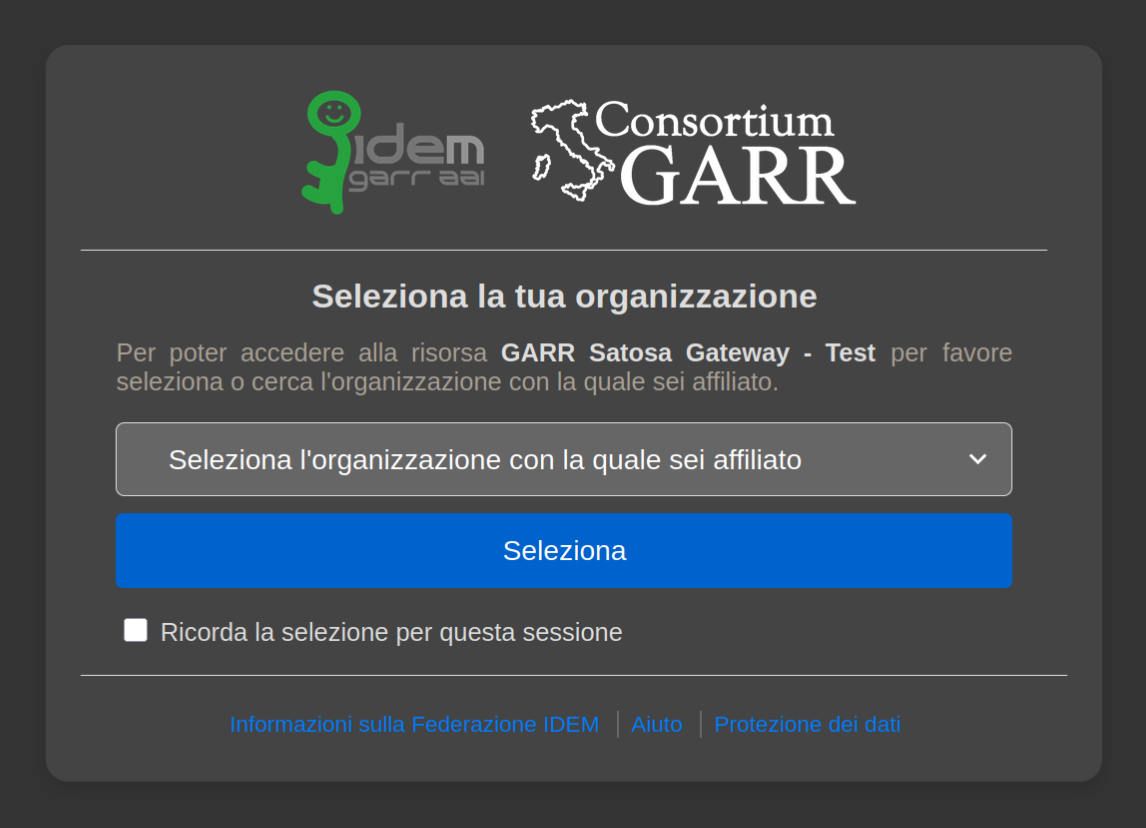
On first access you will receive an email with the authorisation status of your account. If your GARRbox contacts approve the activation, within a few minutes you will be ready to use the service.
First access
The first step with GARRbox is to upload the data you want to store.
For a moderate number of not-too-large files, the quickest upload method is drag and drop directly into the browser window.
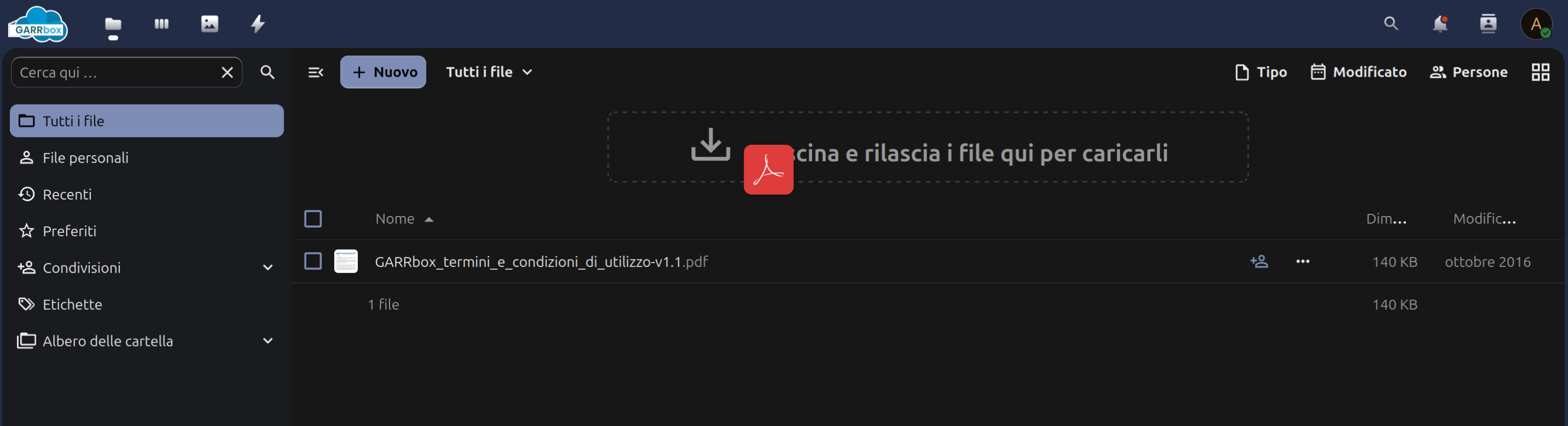
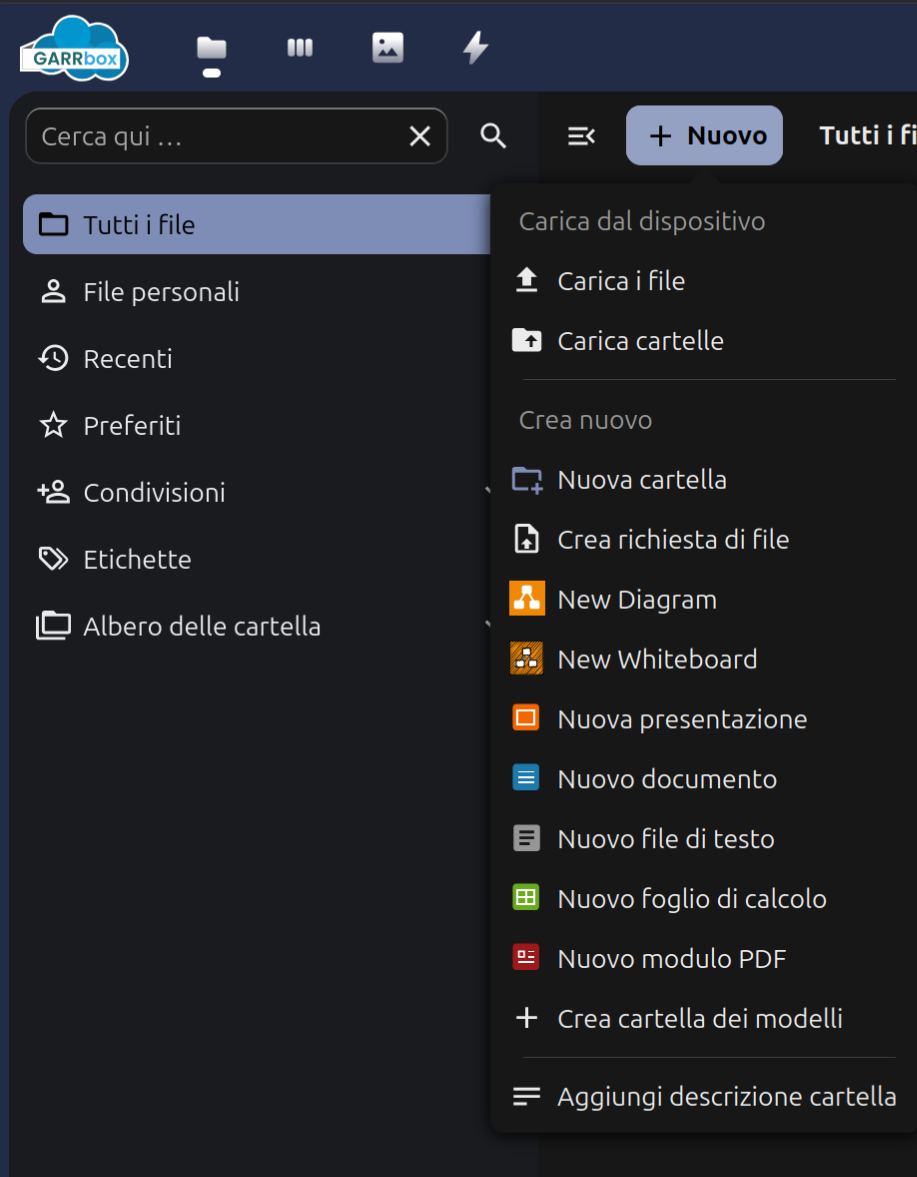
Equivalently, you can import data by clicking on the Menu with the "+" symbol.
Browsers have functional and security limitations: it is impossible to upload and manipulate nested data easily, such as data in folders and subfolders. Also, if operations are interrupted, data will need to be uploaded again.
To overcome these limitations GARRbox offers synchronisation clients for Desktop (Windows, MacOS X and Linux) and for mobile devices running Android and iOS.
Clients keep local data aligned with what is stored remotely by the service — without limitations related to the number or size of files, or the complexity of your directory tree.
Synchronisation clients for Desktop and mobile devices
You can download the clients directly from the homepage, without even having to log in. GARRbox clients