Mobile Client
The change of clients for mobile devices is mediated by the official app stores of Google and Apple. It is sufficient to update the GARRbox clients via the stores and log in again to access your data.
The Android app is available on Google Play.
The following screenshots are taken on Android.
First connection of the app
On startup the app asks for the server address.
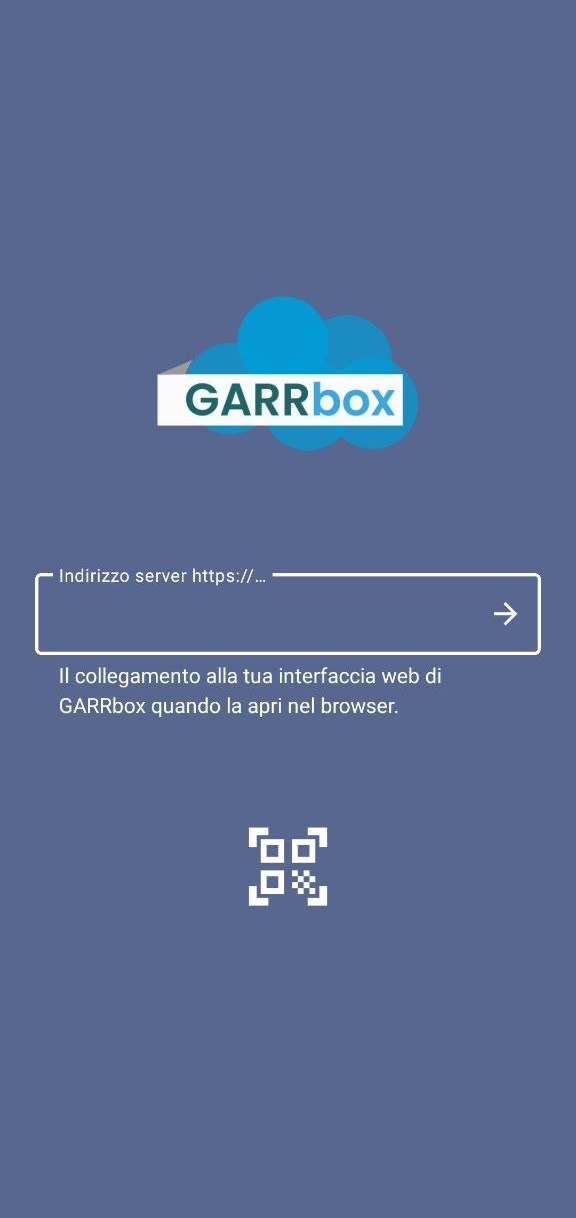
Two connection methods are available.
Recommended method
Connecting with a QR code is the simplest and fastest option: we recommend it over entering the address manually.
- QR code (recommended): tap the QR code icon at the bottom and scan the code generated from the web interface (see the next section).
- Manual address: enter
https://gbox.garr.it/garrboxand tap the arrow. The browser opens for IDEM authentication, as for the desktop client.
Connecting with a QR code
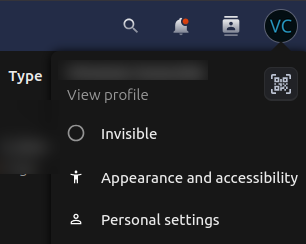
From the GARRbox web interface, already authenticated on a computer, open the profile menu at the top right and tap the QR code icon.
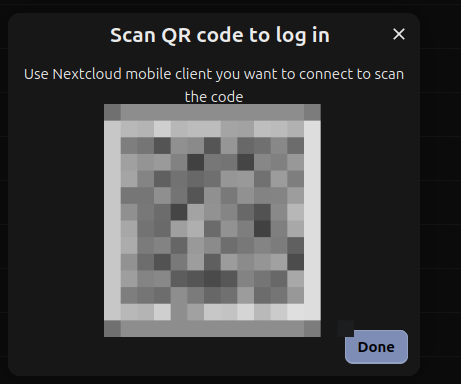
A QR code to scan with the app is shown.
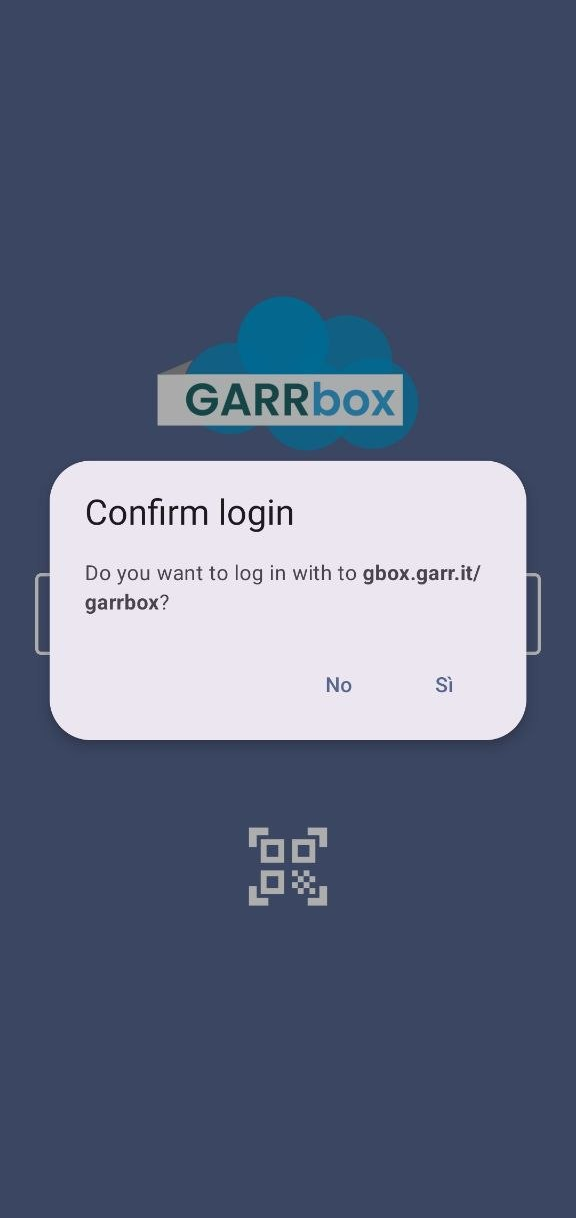
After scanning the code with the app's scanner, confirm the connection to gbox.garr.it by tapping Yes.